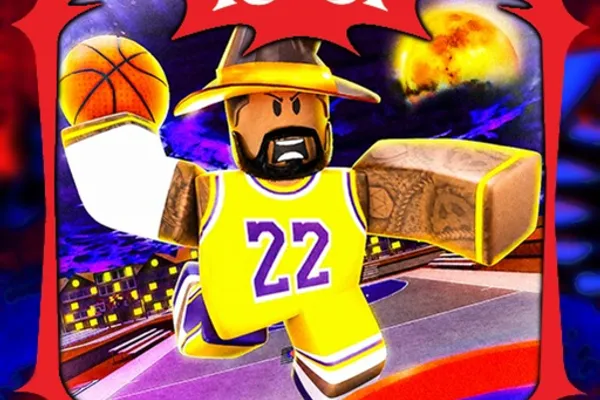
[🎃]🏀Basketball Legends🏀
0by InfinitySports
💬 Comments 0
📖 About
Basketball Legends is a fast-paced basketball sports game on Roblox that delivers authentic 5v5 team matches and pickup games without unnecessary wait times. Developed by InfinitySports, the game focuses on quick matchmaking and immediate gameplay, allowing players to jump straight into the action and compete against others with minimal setup. With hundreds of millions of plays, it has established itself as a go-to basketball experience in the Roblox ecosystem.
The game emphasizes skill-based mechanics where shooting accuracy, positioning, and team coordination determine success on the court. Whether you're diving into structured 5v5 competitive matches or casual pickup games with customizable rules, Basketball Legends offers flexibility in how you want to play. The rapid match turnover means you can squeeze in multiple games during short play sessions, making it perfect for both casual players and those looking to refine their basketball fundamentals in a competitive environment.
This week's popular gear
🔑 Active Codes 0 working
No active codes at the moment. Check back soon!
📝 [🎃]🏀Basketball Legends🏀 How to Redeem Codes
- 1Step 1: Launch Basketball Legends and wait for the game to fully load.
- 2Step 2: Locate the code input button on the main menu screen. This is typically found as a settings icon (⚙️), a gift icon, or a dedicated 'Redeem Code' button, usually positioned in the top-right corner or within the menu panel.
- 3Step 3: Click the code input button to open the redemption window.
- 4Step 4: Carefully enter your code in the text field, ensuring you type it exactly as provided. Pay attention to uppercase and lowercase letters as well as any special characters.
- 5Step 5: Click the 'Submit' or 'Redeem' button to process your code.
- 6Step 6: If the code is valid, your rewards—typically coins or bonus currency—will be deposited immediately into your account balance or inventory.
❓ FAQ
Where do I enter codes in Basketball Legends?
On the main menu screen, look for a settings icon (⚙️), a gift button, or a 'Redeem Code' button. These are typically located in the top-right corner or within the menu panel. Click the button to open the code input window.
What should I do if a Basketball Legends code isn't working?
If a code isn't functioning, verify: 1) You've entered the code exactly as shown (case-sensitive), 2) The code hasn't expired, 3) You haven't already redeemed the same code on this account. Check InfinitySports' official channels and community forums for current, valid codes.
How often are new Basketball Legends codes released?
New codes are typically released periodically during game updates, special events, or when the developer reaches community milestones. Following InfinitySports' official group and social media accounts is the best way to stay informed about the latest code releases.
Are Basketball Legends codes free to use?
Yes, official codes are completely free. When you redeem a valid code, you'll receive rewards like in-game coins without any cost. Keep in mind that codes are generally single-use per account.