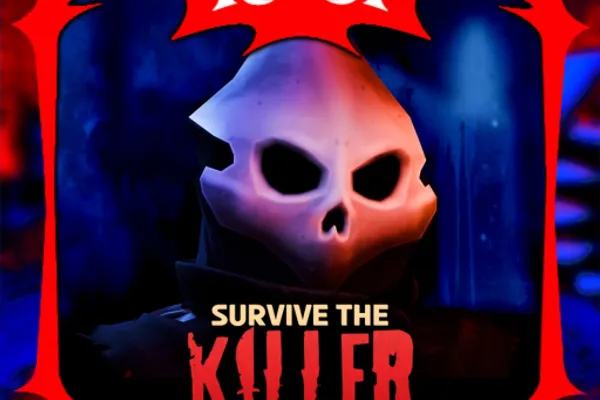
🔪Survive the Killer!
0by Slyce Entertainment
💬 Comments 0
📖 About
🔪Survive the Killer! is an asymmetrical multiplayer horror game that splits players into a lone killer and multiple survivors. Survivors must evade the killer's relentless pursuit, explore the map, rescue teammates, and execute their escape plan while the tension mounts with each passing second. Meanwhile, the killer races against the clock to eliminate as many survivors as possible before they can flee to safety.
The game's greatest strength lies in its unpredictable psychological warfare. Survivors must coordinate and strategize to outsmart their pursuer, while the killer must read their movements and predict their escape routes. Every round unfolds differently, creating fresh and intense moments that keep players on the edge of their seats. With millions of plays and a dedicated community, Survive the Killer! delivers heart-pounding multiplayer action for those seeking genuine thrills.
🔑 Active Codes 0 working
No active codes at the moment. Check back soon!
📝 🔪Survive the Killer! How to Redeem Codes
- 1Step 1: Launch 🔪Survive the Killer! on Roblox and wait for the game to fully load before proceeding.
- 2Step 2: Look for the code redemption button in the game menu or settings area, typically located in the upper left or right corner of the screen. It may be labeled as 'Redeem Code,' 'Enter Code,' or represented by a gift icon.
- 3Step 3: Click the redemption button to open a text input field. Carefully enter your code exactly as provided, paying close attention to uppercase letters, lowercase letters, and any special characters.
- 4Step 4: Once you've entered the code, click the 'Submit,' 'Redeem,' or 'Confirm' button to activate it.
- 5Step 5: If successful, your reward will be added to your account immediately. Restart the game or check your inventory to verify that you've received your rewards, which may include free cosmetics or in-game currency.
- 6Step 6: If the code doesn't work, double-check for any typos and confirm that the code hasn't expired.
❓ FAQ
Where do I enter codes in 🔪Survive the Killer!?
After launching the game, look for the code redemption button in the game's menu interface. It's usually located in the upper left or right corner of the screen, or within the game settings menu. It may be labeled as 'Redeem Code' or displayed as a gift icon. Click it to open a popup window where you can enter your code.
Why isn't my code working in 🔪Survive the Killer!?
Check a few things: First, make sure you've entered the code exactly as provided, including uppercase and lowercase letters and any special characters. Second, verify that the code hasn't expired. Third, remember that each code can typically only be used once per account, so previously redeemed codes won't work again. If you've verified all of these and the code still doesn't work, contact the game developers for assistance.
How often are new codes released for 🔪Survive the Killer!?
The release schedule for new codes depends on the developers' updates and special events. To ensure you don't miss new codes, regularly check the game's official social media channels, Discord community, and in-game announcements.
Are codes free in 🔪Survive the Killer!?
Yes, all codes are completely free! They're rewards provided by the game developers to players at no cost. By redeeming codes, you can obtain free cosmetics, in-game currency, and other rewards without spending any real money.