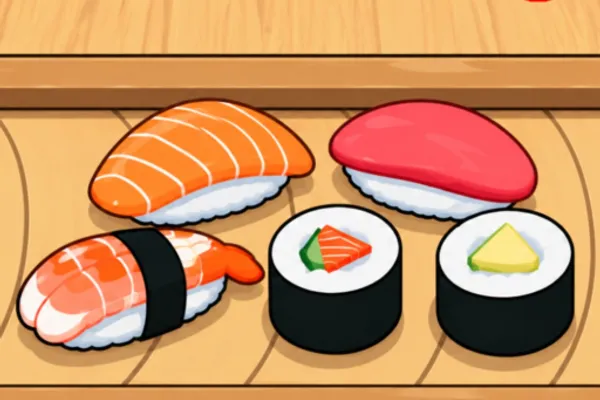
Sell a Million Sushi
0by Popular Marketplace
💬 Comments 0
📖 About
"Sell a Million Sushi" is a standout management simulation game on Roblox that challenges players to build a sushi empire from a humble restaurant startup. The game seamlessly combines three core mechanics: hiring fishermen to catch fish, having chefs prepare sushi, and serving customers—creating a satisfying production chain that rewards strategic planning and optimization.
The unique appeal lies in its merging system, where combining identical-tier fishermen creates increasingly powerful workers with greater efficiency. This progression mechanic transforms what appears to be a simple idle game into a deep strategy experience where players must carefully plan their workforce hierarchy and space management. As you climb toward the coveted million-dollar sales milestone, you'll experience the addictive loop of optimization, growth, and empire-building that makes "Sell a Million Sushi" resonate with hundreds of thousands of players.
🔑 Active Codes 0 working
No active codes at the moment. Check back soon!
📝 Sell a Million Sushi How to Redeem Codes
- 1Launch "Sell a Million Sushi" and wait for the game world to fully load into your Roblox experience.
- 2Look for the menu button—typically located in the upper-left or upper-right corner of the screen (usually represented by ≡ or a gear icon).
- 3Open the menu and search for a 'Codes,' 'Promo Codes,' or 'Redeem' option. This might also be nested within a 'Settings' tab.
- 4Once you find the code input field, carefully enter your promo code exactly as provided, ensuring no extra spaces or typos.
- 5Click the 'Apply' or 'Redeem' button to submit your code and receive your reward instantly.
- 6Look for a confirmation message in-game, then check your inventory or player stats to verify that your reward (cash, items, or bonuses) has been successfully added.
❓ FAQ
Where do I redeem promo codes in "Sell a Million Sushi"?
Open the game menu (usually the ≡ or gear icon at the top of your screen) and look for 'Codes,' 'Promo Codes,' or 'Redeem' options. The exact location may vary with updates, so also check within Settings or other tabs if needed.
My promo code isn't working. What should I do?
Make sure you've entered the code exactly as provided—codes are often case-sensitive. Check if the code has expired or if you've already redeemed it (codes are typically one-time use). Try restarting the game and entering it again if everything checks out.
How often are new promo codes released for "Sell a Million Sushi"?
Popular Marketplace regularly releases new promo codes to reward players. Follow the game's official social media channels and community boards to stay updated on the latest codes and avoid missing out on free rewards.
What rewards do promo codes give in this game?
Promo codes typically grant in-game currency, special items, or limited-time boosters that can accelerate your progress. Different codes offer different rewards, so it's worth checking what each code provides before redeeming.