Grow a Garden 2
0by Strawberreh Squad
📖 About
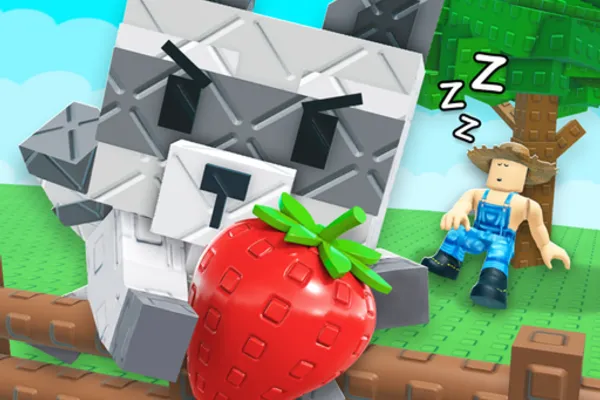
Grow a Garden 2 is a relaxing farming simulator where players cultivate crops, manage their own virtual garden, and engage in simple economics by buying seeds, planting them, and selling harvests for in-game currency. The game uniquely stands out with its 'offline growth system'—crops continue to grow even when you're not playing, eliminating the need for constant engagement and making it perfect for casual, low-pressure gameplay.
What truly sets Grow a Garden 2 apart is its nighttime thievery mechanic. As darkness falls, rival players can attempt to steal your hard-earned crops, adding an element of risk and strategy to your farming routine. You'll need to decide when to harvest and sell your produce to minimize losses. Beyond solo farming, joining a guild opens up competitive weekly challenges where your team can earn exclusive rewards, transforming the experience from a solitary sim into a community-driven adventure.
🎉 Events
🔑 Active Codes 4 working
RDCABEANORLEAVE10GARDEN2025비료 x10BLOOM희귀 씨앗 x3Expired Codes (2)
📝 Grow a Garden 2 How to Redeem Codes
- 1Step 1: Launch Grow a Garden 2 from the Roblox client and wait for the game to fully load into your garden.
- 2Step 2: Look for a 'Codes' button or gift icon, usually located in the upper corner of your screen or in the main menu area. Click it to open the code redemption interface.
- 3Step 3: Carefully type the promotional code into the text field that appears. Be mindful of capitalization, as codes are case-sensitive.
- 4Step 4: Press the 'Redeem' or 'Submit' button to validate your code.
- 5Step 5: If successful, a confirmation message will display and your reward—typically in-game currency or exclusive items—will be added to your inventory immediately.
- 6Step 6: Use your newly earned resources to purchase seeds, expand your garden, or invest in guild activities.
📰 Latest Updates
여름 정원 업데이트
선인장 사막 구역 추가. 수박, 망고 등 여름 과일 8종 신규. 스프링클러 자동화 시스템.
🗡️ Items8 items


❓ FAQ
Where do I input codes in Grow a Garden 2?
Look for a 'Codes', 'Promotions', or gift icon button located in the upper portion of your game screen, typically in the top-left or top-right corner. Clicking this button will open a window where you can paste or type your code. The exact location may vary slightly with updates, so check the menu interface carefully.
My code isn't working in Grow a Garden 2. What should I do?
First, verify that you've typed the code with correct capitalization—codes are case-sensitive. The code may also have expired, as promo codes have limited validity periods. Check the official Discord server or community forums for the latest active codes. Remember that most codes can only be redeemed once per account, so if you've already used it, trying again won't work.
How often are new codes released for Grow a Garden 2?
The developer Strawberreh Squad releases new codes periodically, though there's no fixed schedule. New codes typically appear during game updates, when milestone achievements are reached, or during special events. To stay updated, regularly check the official Discord server, community forums, and the developer's social media accounts.
Are Grow a Garden 2 codes free to use?
Yes, all promotional codes are completely free. There are no costs to redeem codes, and no purchases or subscriptions are required. However, only use codes distributed by the official developer. Avoid third-party 'code generators' or suspicious sources, as they may compromise your account security.