📖 About
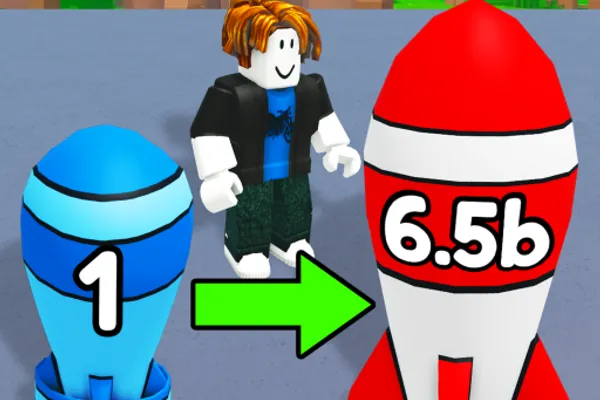
Merge a Nuke! is a puzzle game that cleverly combines the mechanics of merging with a nuclear arsenal theme. Players progressively combine smaller bombs into increasingly powerful nuclear weapons, steadily building their collection. What sets this game apart is its idle gameplay element—your nukes automatically generate cash every second, even when you're offline. Beyond passive income, the game introduces strategic PvP elements: raid enemy bases to steal their earnings or fortify your own base to defend against incoming attacks. This blend of merger gameplay, idle mechanics, and light strategy creates engaging progression where players must balance offense, defense, and collection building.
🔑 Active Codes 6 working
UPDATE2This code credits your account with $10,000 Cash.ATOMICThis code credits your account with 10,000 Cash and 20 Nukes.MAGMAThis code credits your account with Molten Magma.BOOMThis code credits your account with $5,000 Cash.DELAYThis code credits your account with 300 Nuclear Waste.NUKE2025무료 핵 x5📝 Merge a Nuke! How to Redeem Codes
- 1Step 1: Launch Merge a Nuke! on Roblox and wait for the main game screen to fully load.
- 2Step 2: Look for a 'Codes' button, usually located in the top menu bar, settings icon, or left sidebar menu.
- 3Step 3: When the code input window opens, carefully type the provided code (e.g., BOOM) into the text field.
- 4Step 4: Press the 'Submit' or 'Confirm' button to validate your code.
- 5Step 5: Once you receive a success notification, your rewards (cash, bombs, or other items) will be credited to your account immediately.
- 6Step 6: Close the code menu and return to gameplay to verify your rewards. Check official channels regularly as new codes are released every Friday.
📰 Latest Updates
신규 핵 "오메가 워헤드" 추가
최강 핵 등장. 자동 합성 속도 2배 이벤트. 리더보드 시즌 리셋.
❓ FAQ
Where do I enter codes in Merge a Nuke!?
On the main game screen, look for a 'Codes' button typically found in the top menu bar or left sidebar. Click it to open the code input window, then type your code and press submit.
My code isn't working in Merge a Nuke!. What should I do?
Double-check that you've entered the code with correct capitalization and no extra spaces or special characters. Codes may expire or become invalid after being used, so verify you have a current code from official sources like the game's community or social media channels.
How often are new codes released for Merge a Nuke!?
The game receives new updates every Friday, and new codes are typically released alongside these updates. Stay updated by checking the official Roblox game page, community forums, and the developer's announcements to catch fresh codes.
Are codes in Merge a Nuke! free to use?
Yes, all codes are completely free and distributed in-game. You only need a Roblox account to redeem them—no real money required. However, codes typically have limited validity periods, so redeem them as soon as possible after they're announced.