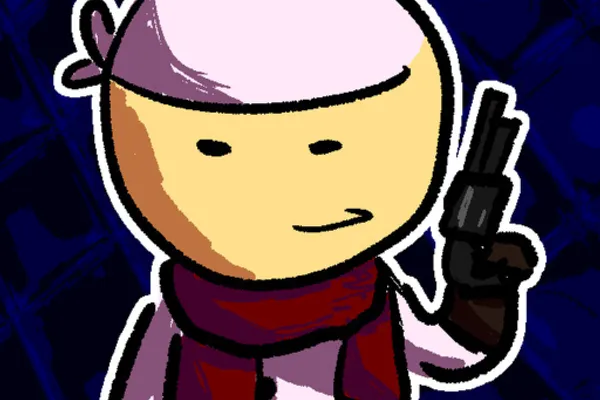
Pilgrammed: Early Sunset / Ex Machina
0by Phexonia Studios
📖 About
Pilgrammed is an open-world RPG adventure that combines vast exploration with deep crafting mechanics. The game's standout feature is its comprehensive weapon and armor creation system, allowing players to design and construct their own equipment to match their unique playstyle. Rather than simply collecting items, you'll invest time in strategic crafting decisions that directly impact how you explore the world and overcome challenges.
The expansive open world serves as your canvas for both discovery and creativity. Pilgrammed's distinctive crafting system ensures that no two playthrough experiences are identical, as your personalized gear configurations shape how you interact with the game's challenges. This blend of free-form exploration and hands-on equipment customization creates a compelling progression loop that rewards both curiosity and strategic planning.
🔑 Active Codes 2 working
PILGRIM25골드 500SUNSET무료 포션 x5Expired Codes (1)
📝 Pilgrammed: Early Sunset / Ex Machina How to Redeem Codes
- 1Step 1: Launch Pilgrammed on Roblox and wait for the game to fully load.
- 2Step 2: Look for a 'Codes,' 'Redeem Code,' or 'Rewards' button, typically found in the main menu or by opening the pause menu (usually ESC key).
- 3Step 3: Click the button to open the code input interface.
- 4Step 4: Enter the code carefully, ensuring correct spacing and letter capitalization.
- 5Step 5: Submit the code. Once you see a success message, your reward will be added to your inventory automatically.
- 6Step 6: If you receive an error message, verify that the code is still active—some codes expire or have usage limits.
📰 Latest Updates
"얼리 선셋" → "Ex Machina" 업데이트
대규모 게임 개편. 신규 지역 "기계 유적". 클래스 시스템 대폭 강화. 길드 콘텐츠.
📊 클래스 티어리스트
Updated: 2025-05-20
🗡️ Items5 items


❓ FAQ
Where exactly do I find the code input menu in Pilgrammed?
After launching the game, check the main menu or press ESC to open the pause menu while in-game. The code input button is usually labeled 'Codes,' 'Redeem Code,' 'Rewards,' or similar. The exact location may vary with updates, so explore your menu options carefully. If you can't find it immediately, check both the main menu and in-game pause menu.
Why isn't my Pilgrammed code working?
Several common reasons could prevent a code from working: (1) Check for typos—ensure you've entered the code with correct capitalization and spacing. (2) The code may have expired or reached its usage limit. (3) Some codes are one-use per account, so you might have already redeemed it. (4) Try restarting the game to ensure you're on the latest version. (5) If the issue persists, check official channels to confirm the code is still valid.
How often are new Pilgrammed codes released?
New codes are typically released through Phexonia Studios' official announcements and social media channels. Codes often appear during game updates, seasonal events, or special promotions. To stay updated on new codes, follow the game's official social media accounts and check for community announcements regularly. This ensures you don't miss limited-time codes.
Are Pilgrammed codes really free?
Yes, all official codes from the developer are completely free. Simply redeem them in-game to receive rewards at no cost. Avoid any third-party sites claiming to sell codes or offering 'exclusive' codes—always get codes from official Phexonia Studios channels only. Never pay for codes; they should always be free.