Catalog Avatar Creator
0by Muneeb
📖 About
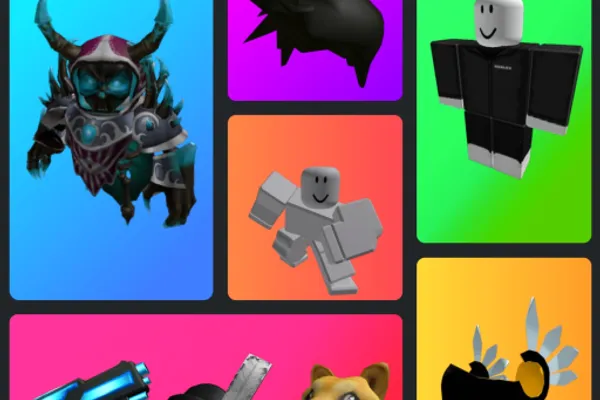
Catalog Avatar Creator is a virtual avatar customization playground that lets you try on countless Roblox catalog items before spending Robux. From accessories and hats to limited editions, hair styles, bundles, and animation packs—explore millions of cosmetic options and see exactly how they look on your avatar without any commitment.
What sets this game apart is access to an ever-growing collection of 50M+ community-created outfits, allowing you to discover fresh style inspiration from other players' creations. You can save your own custom avatars directly in-game for quick access anytime. Whether you're a fashion-conscious player who wants to preview purchases, a collector hunting for style ideas, or someone experimenting with their avatar's look, Catalog Avatar Creator turns the shopping experience into creative play. Everything you buy while previewing becomes permanent in your Roblox inventory.
🔑 Active Codes 0 working
No active codes at the moment. Check back soon!
📝 Catalog Avatar Creator How to Redeem Codes
- 1Step 1: Search for 'Catalog Avatar Creator' in Roblox and navigate to the game's page.
- 2Step 2: Click the [Play] button to launch the game.
- 3Step 3: Wait for the game to fully load, then look for a 'Redeem Code' or 'Enter Code' button, typically located in the top menu bar or left sidebar.
- 4Step 4: Click the button to open the code input window.
- 5Step 5: Paste your promo code exactly into the input field and press [Submit] or [Redeem].
- 6Step 6: If valid, you'll receive a confirmation message and your reward will be added to your Roblox inventory immediately.
❓ FAQ
Where do I enter codes in Catalog Avatar Creator?
After launching the game, look for a 'Redeem Code' or 'Promo Code' button, usually located in the top menu bar or left sidebar. Click it to open the input window. If you can't find it immediately, check the Settings (gear icon) menu.
My code isn't working in Catalog Avatar Creator. What should I do?
First, verify: (1) you've typed the code exactly—including capitals, numbers, and spacing, (2) the code hasn't expired, (3) you haven't already redeemed it (codes are typically one-time use), (4) you're logged into your Roblox account. If it still doesn't work, check the game developer's official social media for troubleshooting or contact support.
Are Catalog Avatar Creator promo codes free?
Yes, all promo codes are completely free. You can redeem them without spending any Robux. However, to purchase items from the catalog shown in-game, you'll need to spend Robux on those items separately.
How often are new codes released for Catalog Avatar Creator?
Code release frequency depends on the developer's event schedule. Follow the game developer's official Twitter, Discord, or in-game announcements to stay updated on new codes. Major updates and seasonal events often bring new promotional codes.