Epic Minigames ✨
0by Typical Games
📖 About
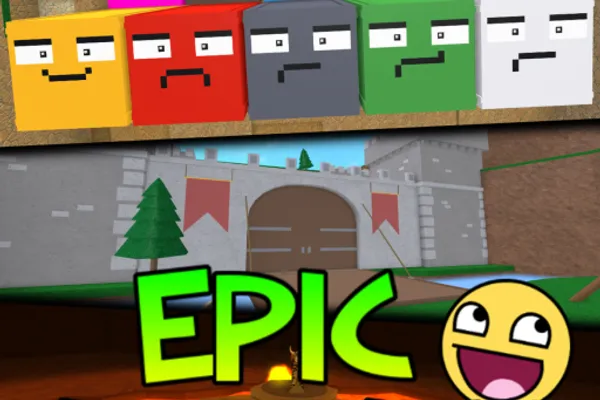
Epic Minigames is a party game that brings together 138 unique minigames in one exciting package. Every round presents a different game selected randomly, ensuring that no two playthroughs feel the same. From hide-and-seek challenges to reflex tests, puzzles, and strategic games, the variety is endless—there's something for every type of player.
Win rounds to earn coins, which you can spend on cosmetics, pets, effects, and character gear to showcase your progress and personality. Beyond the minigames themselves, a robust progression system and collection mechanics keep you engaged for the long haul. Whether you're competing with friends or playing solo, each round delivers unpredictable fun and keeps you coming back for more.
🔑 Active Codes 2 working
EPICMINI코인 500MINIGAME스킨 1개Expired Codes (2)
📝 Epic Minigames ✨ How to Redeem Codes
- 1Step 1: Launch Epic Minigames on Roblox and wait for the game to fully load.
- 2Step 2: In the lobby, look for a 'Codes' or 'Promo Code' button, typically located on the right side of the screen or in a menu. Check the settings or options area if you can't spot it immediately.
- 3Step 3: When the code input window opens, carefully type your valid promo code into the text field. Pay attention to capitalization and special characters.
- 4Step 4: Click the 'Submit' or 'Redeem' button to process the code.
- 5Step 5: If the code is valid, your reward (usually coins or exclusive items) will be added to your inventory instantly, and a confirmation message will appear.
- 6Step 6: Verify your reward and head to the shop to purchase new gear, or jump back into the minigames.
📰 Latest Updates
신규 미니게임 12종 추가
슈퍼히어로 배틀, 마리오카트 스타일 레이싱 등 12종. 커스텀 파티 모드. 시즌 패스.
❓ FAQ
Where do I enter promo codes in Epic Minigames?
In the lobby, look for a 'Codes' button on the right side of the screen or in the top menu. Click it to open the code input window. If you can't find it there, check near the game settings or options menu—it may be located in that area.
My code isn't working in Epic Minigames. What's wrong?
The most common issue is typos when entering the code. Make sure you're matching capitalization and special characters exactly. Additionally, codes have expiration dates, so older codes may no longer be valid. Always double-check that you're using a current, active code from a reliable source.
How often does Epic Minigames release new codes?
The developers at Typical Games release new promo codes regularly, but there's no fixed schedule. New codes are typically announced through in-game notifications, the official social media channels, and the community Discord. Check these sources frequently to stay updated on the latest codes.
Are Epic Minigames promo codes free?
Yes, all promo codes are completely free to redeem. Simply enter a valid code and you'll receive your reward—usually coins or exclusive items—at no cost. Keep in mind that some cosmetics are only available through Robux (premium currency), so not all items can be obtained with codes alone.