💪 +1 Strength to Grow Your Arm!
0by Core X Games
📖 About
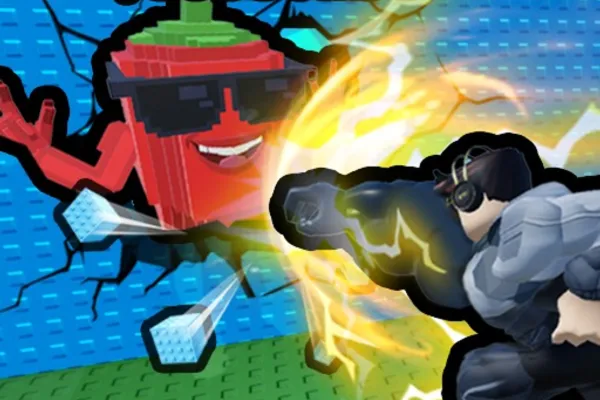
『+1 Strength to Grow Your Arm!』 is a unique idle simulator that gamifies the process of building arm strength. Players lift weights to progressively grow their right arm, and once it becomes strong enough, they can smash through walls to unlock new areas. The core appeal lies in witnessing tangible physical growth—watching your arm visibly expand with each training session creates an incredibly satisfying feedback loop.
Throughout the game world, you'll discover hidden 'Brainrot' collectibles that must be brought back to your base to earn coins. This currency fuels your progression, allowing you to purchase increasingly powerful weights and continue the growth cycle. The game excels at creating an addictive gameplay loop where every action directly contributes to measurable progress, making it easy to sink countless hours into the endless pursuit of the ultimate arm.
🔑 Active Codes 1 working
FROG📝 💪 +1 Strength to Grow Your Arm! How to Redeem Codes
- 1Step 1: Search for 『+1 Strength to Grow Your Arm!』 on the Roblox app or website and enter the game.
- 2Step 2: Once the game loads, look for a 'Codes' or 'Rewards' button, typically located in the top-left corner of the screen or in the main menu. If unavailable, check the settings or information icons.
- 3Step 3: When the code input window opens, enter the provided valid code carefully. Codes are case-sensitive, so match uppercase and lowercase letters exactly.
- 4Step 4: After entering the code, click the 'Redeem' or 'Confirm' button to process your submission.
- 5Step 5: Upon successful redemption, a confirmation message appears on screen, and rewards—such as coins or special weights—are immediately added to your inventory.
- 6Step 6: Use your rewards to continue arm training or purchase stronger weights to accelerate your growth progress.
❓ FAQ
Where do I input codes in 『+1 Strength to Grow Your Arm!』?
The 'Codes' or 'Rewards' button is typically located in the top-left corner of the screen or in the main menu. Clicking this button opens a code input window where you can enter your reward code. If you don't see the button, try checking the game settings or information menu.
What should I do if a code doesn't work in 『+1 Strength to Grow Your Arm!』?
First, double-check the code for exact spelling, capitalization, numbers, and symbols—codes are case-sensitive. The code may have expired or already been redeemed by your account. Ensure you're using the latest active code. If problems persist, try restarting the game or updating your Roblox client.
How often are new codes released for 『+1 Strength to Grow Your Arm!』?
Code release frequency depends on the developer's schedule. New codes are typically released during special events, game milestones, or major updates. To stay informed about new codes, regularly check the game's official announcements and follow the developer's social media channels.
Are the rewards from codes in 『+1 Strength to Grow Your Arm!』 free?
Yes, all code rewards in Roblox games are completely free. Simply redeeming a code grants you rewards like coins or special weights at no cost. However, some premium content may require in-game purchases, so be aware of optional paid items.