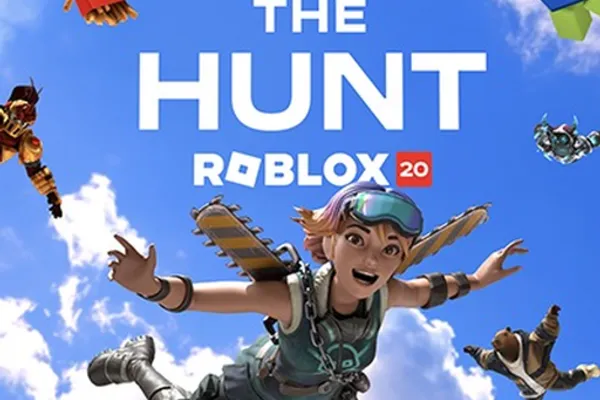
The Hunt: Roblox 20
0by Roblox Presents
💬 Comments 0
📖 About
『The Hunt: Roblox 20』is a commemorative experience that takes you on a journey through 20 years of Roblox history, featuring iconic games from each era. You'll encounter beloved classics that feel instantly familiar alongside surprising discoveries, each presenting unique challenges and gameplay mechanics that reflect how the platform has evolved. This nostalgic adventure lets both longtime players and newcomers appreciate the rich legacy that built Roblox into what it is today.
The game's strength lies in its era-based structure, where progression through different time periods reveals how game design, visuals, and mechanics have transformed over two decades. Beyond gameplay, you'll unlock exclusive cosmetics and limited-time items that celebrate Roblox's history. Roblox Plus subscribers gain early hub access (9 AM–2 PM PDT) and claim up to three additional exclusive rewards, making the commemorative event even more rewarding for dedicated fans.
🔑 Active Codes 0 working
No active codes at the moment. Check back soon!
📝 The Hunt: Roblox 20 How to Redeem Codes
- 1Step 1: Search for 『The Hunt: Roblox 20』on Roblox and launch the game.
- 2Step 2: Once the game loads, look for a code redemption button or menu. It's typically located on the left side of the screen, in the top menu bar, or labeled as 'Codes' or 'Rewards.'
- 3Step 3: Click the code input button to open a popup window or text field.
- 4Step 4: Enter a valid code obtained from official Roblox announcements, the event page, or the game's official communications into the text field.
- 5Step 5: Press Enter or click the 'Submit' button to validate the code.
- 6Step 6: If the code is valid, your reward (XP, cosmetics, in-game currency, etc.) will be added to your account immediately and appear in your inventory.
❓ FAQ
Where do I input codes in 『The Hunt: Roblox 20』?
Look for a 'Codes' or 'Rewards' button in the game lobby or main screen, usually located on the left side or top menu. Click it to open the code input window. The exact position may vary depending on the game's interface layout, but it's typically one of the first things you see upon loading.
What should I do if a code isn't working?
Double-check that you've entered the code exactly as shown, including capitalization, spaces, and special characters. The code may have already been redeemed or expired. Verify the code's validity period on official Roblox announcements or the game's official page. If issues persist, try logging out and back in before attempting again.
How often are new codes released for 『The Hunt: Roblox 20』?
As a 20th-anniversary event, new codes are distributed regularly through official Roblox channels and the game's social media. Codes typically roll out weekly or tied to specific milestones during the event period. Follow the official Roblox account and game announcements to catch every new code release.
What exclusive rewards do Roblox Plus subscribers get?
Roblox Plus subscribers enjoy early hub access from 9 AM to 2 PM PDT and can claim up to three additional exclusive items during the event that general players cannot obtain. These exclusive items are unlocked through special codes provided to Plus members during their early access window.