[x2🎃] Deep Fishing🎣
0by LazyGames.
💬 Comments 0
📖 About
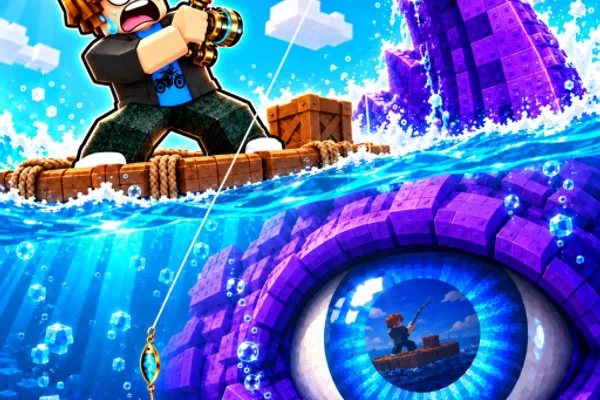
Deep Fishing is an addictive fishing simulator that rewards persistence and incremental growth. The core gameplay is elegantly simple: cast your rod as far as possible, catch fish, and sell them for profit. What makes it engaging is the progression loop—each upgrade increases your casting distance, unlocking deeper waters and rarer, more valuable fish.
The game brilliantly combines skill and strategy. Timing your cast release, strategically choosing which waters to fish in, and managing your upgrade path all matter. The ability to catch multiple fish in a single cast creates satisfying moments of abundance, while rare catches provide those coveted dopamine hits that keep players coming back.
What separates Deep Fishing from generic clickers is its focus on tangible progression. You're not just watching numbers go up—you're visibly reaching new areas, discovering new species, and watching your angler evolve. The game respects your time investment by offering meaningful upgrades and clear goals, making it perfect for both casual players and those seeking a more goal-oriented experience.
🔑 Active Codes 0 working
No active codes at the moment. Check back soon!
📝 [x2🎃] Deep Fishing🎣 How to Redeem Codes
- 1Step 1: Launch Deep Fishing and wait for the game to fully load into the main gameplay screen.
- 2Step 2: Look for a 'Codes' button, usually located in the top-left or top-right corner near the settings menu (gear icon).
- 3Step 3: Click the Codes button to open the code input window. A text field will appear where you can paste or type your code.
- 4Step 4: Carefully enter the code, ensuring you match uppercase and lowercase letters exactly as provided. Type or paste it completely.
- 5Step 5: Press Enter or click the 'Submit' button to redeem the code. You'll receive a confirmation message if the code is valid.
- 6Step 6: Your rewards (typically currency or boosts) will be added to your account immediately. Check your inventory or balance to confirm, then continue fishing!
❓ FAQ
Where do I enter codes in Deep Fishing?
Look for the 'Codes' button in the top-right or top-left corner of your screen, usually near the settings menu (gear icon). Click it to open the code input window, paste or type your code, and press Enter to redeem it.
My Deep Fishing code isn't working. What should I do?
Double-check that you've entered the code exactly as provided, paying careful attention to uppercase and lowercase letters. Make sure there are no extra spaces. Some codes may have expired, so try finding the most recent codes. Restarting the game and trying again can also help resolve the issue.
How often do new Deep Fishing codes come out?
LazyGames releases new codes regularly, typically during game updates, special events, or when the game reaches milestone player counts. Following the game's community forums, Discord, or official social media is the best way to stay updated on new code releases.
Are Deep Fishing codes free?
Yes, all Deep Fishing codes are completely free. Developers release them as a thank-you to players, with no cost involved. The rewards you receive (currency, boosters, etc.) help you progress faster in the game without spending Robux.