Overcrowded!
0by Haizora Studio
💬 Comments 0
📖 About
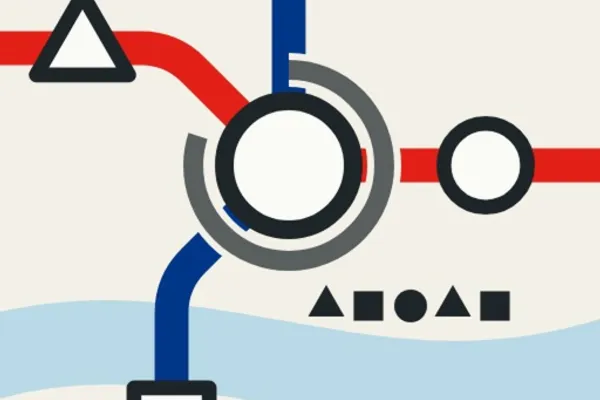
Overcrowded! is a strategic transit simulation game where you design and operate urban subway networks across 11 real-world cities. Players draw subway lines to connect stations while managing an ever-growing passenger demand, requiring careful planning and resource management. Each week, you'll add a new element—whether it's an additional line, locomotive, carriage, tunnel, or interchange—to progressively expand and optimize your transit system.
With three difficulty modes—Normal, Endless, and Extreme—the game caters to both casual players and transit enthusiasts. The gameplay combines puzzle-like challenge of meeting passenger demands within constraints and the engaging simulation of building a functioning metropolitan transport network. Success depends on balancing line efficiency, capacity planning, and strategic infrastructure investments.
This week's popular gear
🔑 Active Codes 0 working
No active codes at the moment. Check back soon!
📝 Overcrowded! How to Redeem Codes
- 1Step 1: Search for 'Overcrowded!' in Roblox and click the Play button to launch the game.
- 2Step 2: Once the game loads and you reach the main menu, look for a Codes button or promotional code input option. It's typically located at the top of the screen, in settings, or clearly labeled as 'Codes' or 'Redeem.'
- 3Step 3: Click the Codes button to open the code input interface. Copy a valid code from official developer announcements or community sources and paste it into the input field.
- 4Step 4: Press Enter or click the Redeem button to submit your code.
- 5Step 5: If the code is valid, your rewards (currency, boosters, or special items) will be credited immediately. You'll see a confirmation message on your screen.
- 6Step 6: Continue playing and use your rewards to enhance your transit network and progress faster through the game modes.
❓ FAQ
Where do I enter codes in Overcrowded!?
On the main menu screen, look for a button labeled 'Codes,' 'Redeem,' or a gift icon. It's usually located at the top of the screen or near the settings icon. Click the button to open the code input field where you can paste or type your code.
Why isn't my Overcrowded! code working?
Here are common reasons why a code might not work: (1) Check that you've entered the code with correct capitalization, (2) The code may have expired—ensure you're using a current code, (3) Codes can typically only be used once per account, (4) Try restarting the game or re-logging into your account. If issues persist, verify the code source is official.
How often are new codes released for Overcrowded!?
Overcrowded! receives codes on an irregular schedule determined by the developer. To stay updated, check the official game page, follow the developer's social media accounts, and monitor the Roblox community forums. New codes are often announced during updates or special events.
Are Overcrowded! codes free to use?
Yes, all official promotional codes for Overcrowded! are completely free. Simply redeeming a valid code grants you rewards like currency, boosters, or special items at no cost. Always obtain codes from official Roblox channels and verified developer sources to ensure safety.