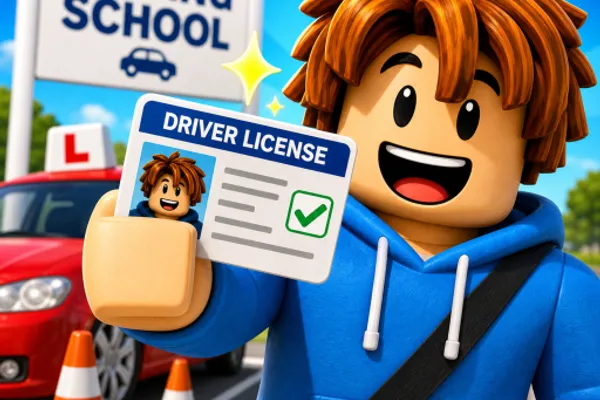
Get Your Driver's License!
0by Time Will Pass
💬 Comments 0
📖 About
"Get Your Driver's License!" is a unique simulation game that lets you experience the entire process of obtaining a driver's license in an entertaining way. Starting from taking a number and waiting your turn, you'll progress through a written test and then tackle a full driving course filled with unexpected obstacles like cows, ducks, and ramps. The game captures the humor and tension of a real licensing exam while keeping it fun and accessible.
What sets this game apart is its diverse reward system and multiple endings. Based on your performance, you can unlock one of 18 different vehicles ranging from rusty hatchbacks to secret supercars. The game also features a unique role-reversal mechanic where you can become the examiner and judge other players' driving skills. This dual-role gameplay adds replay value and social interaction, making it more than just a simple driving simulator—it's a complete driving test experience with genuine stakes and varied outcomes.
This week's popular gear
🔑 Active Codes 0 working
No active codes at the moment. Check back soon!
📝 Get Your Driver's License! How to Redeem Codes
- 1Step 1: Launch "Get Your Driver's License!" and load into the game lobby.
- 2Step 2: Look for a 'Codes', 'Promo Code', or 'Redeem' button, usually located in the top-left or top-right corner of the screen, or in a menu panel. Click on it to open the code redemption interface.
- 3Step 3: Once the code input window opens, paste or type the valid promo code into the text field provided.
- 4Step 4: Double-check that the code is entered correctly, then click the 'Submit' or 'Redeem' button to activate the code.
- 5Step 5: If the code is valid and hasn't expired, you'll receive a confirmation message and your reward (in-game currency or items) will be added to your account instantly.
❓ FAQ
Where do I input codes in "Get Your Driver's License!"?
In the game lobby, look for a button labeled 'Codes', 'Promo Code', or 'Redeem' which is typically located in the top-left or top-right corner of the screen, or within a menu panel. Clicking this button will open the code input interface where you can paste or type your code.
I entered a code in "Get Your Driver's License!" but it's not working. Why?
Several things could be causing the issue: 1) Make sure the code was typed correctly, including proper capitalization. 2) The code may have expired—check the developer's official social media or community forums for current valid codes. 3) Some codes have limited redemptions or are only valid during specific timeframes. 4) Your account might not be eligible to redeem that particular code. Try a different code or contact the developer for support.
How often are new codes released for "Get Your Driver's License!"?
The frequency of new code releases depends on the developer's update schedule and events. To stay updated on new codes, follow the Time Will Pass developer's official social media accounts, check the game's community forums, and monitor Roblox official announcements regularly. New codes are often released during special events or game updates.
Are the promo codes for "Get Your Driver's License!" free to use?
Yes, all official promo codes are completely free to redeem. You won't pay anything to use a valid code and claim your rewards. However, don't confuse free promo codes with premium in-game currency purchases, which do require real money. Only use codes from official sources to ensure legitimacy.