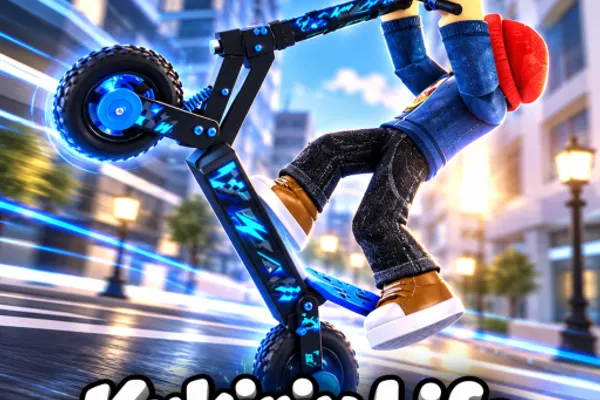
[🎃] Kukirin Life [Testing]
0by Mukbang Lovers
💬 Comments 0
📖 About
Kukirin Life is a distinctive roleplay experience on Roblox that authentically captures the thrill of electric scooter riding. As a fan-made game inspired by the actual KuKirin brand, it transcends typical vehicle simulators by immersing players in a complete urban scooter lifestyle. The combination of an expansive city map, remarkably responsive driving mechanics, and extensive customization options creates a compelling sandbox where every ride feels meaningful.
The game's appeal lies in its carefully balanced gameplay loop. Navigate sprawling cityscapes on your scooter, discover diverse routes and landmarks, and encounter dynamic events like intense police pursuits that keep your adrenaline pumping. The achievement and quest systems provide structured progression without feeling restrictive, while regular content updates continuously introduce new scooter models and points of interest. Whether you're seeking leisurely urban exploration or heart-pounding chase sequences, Kukirin Life delivers an authentic scooter lifestyle experience tailored for players who crave both freedom and purpose.
This week's popular gear
🔑 Active Codes 0 working
No active codes at the moment. Check back soon!
📝 [🎃] Kukirin Life [Testing] How to Redeem Codes
- 1Step 1: Launch Kukirin Life through the Roblox app or website and wait for the game to fully load into the world.
- 2Step 2: Locate the menu or inventory button on your screen, typically positioned at the top-left or top-right corner as an icon.
- 3Step 3: Navigate through the menu interface and search for options labeled 'Codes', 'Redeem Code', 'Rewards', or similar variations.
- 4Step 4: Click on the code input field and carefully type the active promotional code exactly as provided. Capitalization and special characters matter.
- 5Step 5: Press the 'Confirm', 'Submit', or 'Redeem' button to process your code entry.
- 6Step 6: Upon success, you'll receive a confirmation message and your rewards—such as scooter skins, in-game currency, or exclusive items—will be instantly added to your account.
❓ FAQ
Where do I enter codes in Kukirin Life?
After launching the game, open the inventory or settings menu by clicking the menu button, usually located at the top of your screen. Look for a section labeled 'Codes', 'Redeem Code', or 'Rewards'. The code input interface is typically accessible from the main menu or pause screen, making it easy to find within the first few minutes of gameplay.
My Kukirin Life code isn't working. What could be wrong?
Code failures usually stem from three main issues: (1) Incorrect input due to typos, case sensitivity, or extra spaces, (2) The code has expired and is no longer valid, or (3) Your account has already redeemed that specific code. Try re-entering the code carefully, verify it from official sources, and check the game's community channels or Discord server for a current list of active codes.
How often does Kukirin Life release new codes?
Code release frequency varies depending on the game's update schedule and developer events. Typically, new codes are distributed alongside major updates, seasonal events, or special milestones. To stay updated on fresh codes, monitor the in-game announcements, follow the official Kukirin Life Discord server, and keep an eye on the developer's social media accounts for timely notifications.
Are Kukirin Life codes free?
Yes, all official promotional codes are completely free to redeem. There's no cost associated with entering codes found through official game channels, and no real money is required. However, note that premium cosmetics and items sold in the game's shop require Robux (the premium currency), which is separate from promotional code rewards.