Harpoon a Fish
0by FirstTry
📖 About
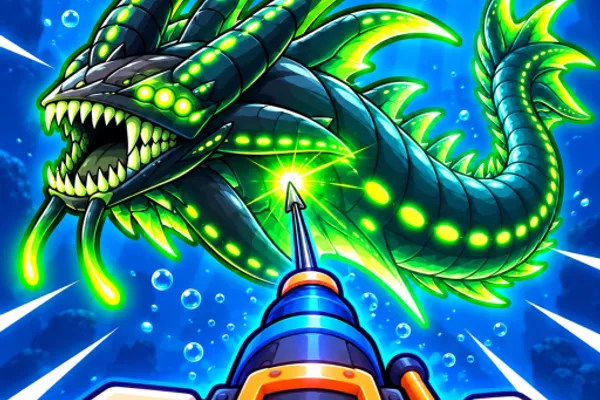
Harpoon a Fish is an advanced fishing simulator that goes beyond simple angling to deliver the thrill of collecting and evolving massive sea creatures. The core gameplay loop involves continuously catching fish and evolving them into increasingly larger and rarer sea monsters. With over 1,800 unique fish species to discover, filling out your collection index becomes an engaging long-term goal that keeps you hooked.
What sets this game apart is its competitive PvP fishing dynamic. You can invade other players' fishing territories and harpoon their catches, claiming their fish as your own—but your prized monsters are equally vulnerable to theft. This constant tension drives you to cultivate stronger sea creatures and compete for prestigious trophies. The combination of personal progression, creature evolution, and player-versus-player competition creates a uniquely engaging simulator experience that rewards both patience and strategic thinking.
🔑 Active Codes 0 working
No active codes at the moment. Check back soon!
📝 Harpoon a Fish How to Redeem Codes
- 1Step 1: Launch Harpoon a Fish on Roblox and wait for the game to fully load.
- 2Step 2: Look for a 'Code' or 'Rewards' button in the main menu or sidebar—typically located near settings or in a dedicated menu section.
- 3Step 3: Open the code input window and enter 'MONSTER' exactly as shown. Pay attention to uppercase and lowercase letters.
- 4Step 4: Click the 'Apply' or 'Submit' button to redeem the code.
- 5Step 5: Once successfully applied, you'll see a confirmation message confirming you've received +3,000 XP and +3 Ruby Keys.
- 6Step 6: The rewards are automatically added to your inventory and ready to use immediately to boost your fishing progress.
❓ FAQ
Where do I enter codes in Harpoon a Fish?
Look for a 'Code' or 'Rewards' button in the main menu or on the game's interface sidebar. Clicking it will open a code input window where you can paste or type codes like 'MONSTER'.
The MONSTER code isn't working. What should I do?
Here are some troubleshooting steps: First, verify you've typed 'MONSTER' exactly and correctly. Second, some codes are one-time use per account, so if you've already redeemed it, you won't be able to use it again. Third, try restarting the game.
How do I find new codes for Harpoon a Fish?
Developer FirstTry regularly releases new codes. Keep an eye on the game's official announcements, Discord community, or the game description section for the latest codes and promotional offers.
Are the codes in Harpoon a Fish free to use?
Yes, all codes including MONSTER are completely free. They provide in-game rewards like XP and Ruby Keys without requiring any Robux or real-money payment.