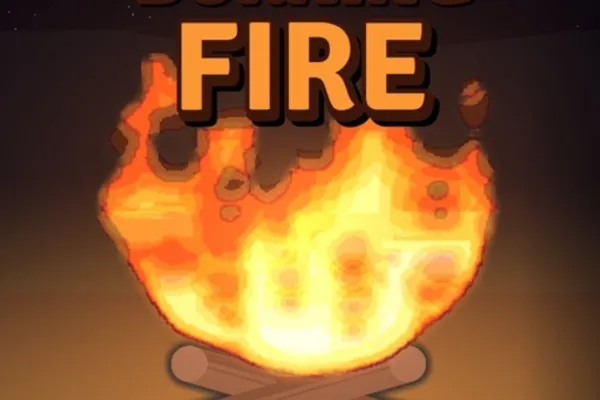
Feed the Fire 🔥
0by BIGGER FIRE
📖 About
Feed the Fire 🔥 is an engaging incremental clicker game where you feed various fuel—logs, batteries, explosives, and fireworks—into a blazing campfire to watch it grow and earn money. The simple drag-and-drop mechanic makes it instantly accessible, while the rewards you gain from burning different fuels let you unlock upgrades and accelerate your fire-building progress.
The real challenge emerges when storms roll in at timed intervals. As the countdown ends, torrential rain threatens to extinguish your flames, but a sufficiently large and hot fire can survive the downpour. With each wave, storms grow fiercer and more dangerous, demanding tactical fuel selection and resource management. Beneath its minimalist gameplay lies a satisfying loop of continuous growth and escalating difficulty that keeps players coming back to feed the flames.
🔑 Active Codes 0 working
No active codes at the moment. Check back soon!
📝 Feed the Fire 🔥 How to Redeem Codes
- 1Step 1: Search for Feed the Fire 🔥 on Roblox and click the Play button to launch the game.
- 2Step 2: Once the game loads, look for a 'Codes' or 'Promo Codes' button, typically located in the top-left or top-right corner of the screen.
- 3Step 3: Click the codes button to open the input dialog box. Carefully type your valid promo code into the text field.
- 4Step 4: Press the 'Submit' or 'Confirm' button to activate your code.
- 5Step 5: If the code is valid, a confirmation message will appear on screen and your reward (usually bonus currency or special fuel) will be credited immediately.
- 6Step 6: Use your earned reward to boost your fire growth or purchase upgrades to progress faster through the storms.
❓ FAQ
Where do I enter promo codes in Feed the Fire 🔥?
After launching the game, look for a 'Codes' or 'Promo Codes' button in the top-left or top-right corner of your screen. Click it to open the code input dialog, paste or type your promo code, and hit submit to redeem your reward.
My code isn't working in Feed the Fire 🔥. What should I do?
There are several reasons a code might fail. First, verify the exact spelling and capitalization—codes are case-sensitive. Check for extra spaces or missing characters. Some codes expire after a set period, and many are one-time-use per account. Additionally, confirm you're using an up-to-date official code from a reliable source.
How often does Feed the Fire 🔥 release new promo codes?
While developer BIGGER FIRE releases new codes periodically, there's no fixed schedule. Your best bet is to follow the game's official Discord server, community forums, and the developer's social media channels—that's where new codes are typically announced first.
Are promo codes free to use in Feed the Fire 🔥?
Absolutely! Promo codes are entirely free. Simply enter a valid code and you'll receive bonus currency or special fuel at no cost. No payment or in-game purchases are required to redeem them.