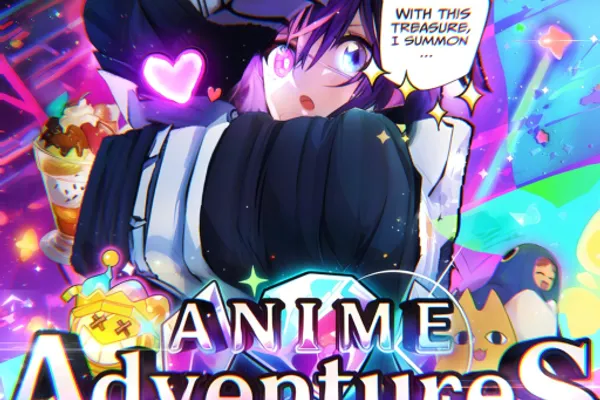
[☀️UPD 21🏖️] Anime Adventures
0by Gomu
💬 Comments 0
📖 About
Anime Adventures is a fan-made adventure game inspired by popular anime series, enjoying remarkable popularity on the Roblox platform. Rather than being a simple sightseeing experience, this game offers a genuine adventure within a universe created by passionate fans. The anime-style graphics and familiar characters and settings have been reimagined in a creative Roblox environment.
The core gameplay revolves around embarking on adventures with friends or being matched with other players for collaborative missions. The recent implementation of matchmaking across more game modes means you can now team up to face challenges together, transforming the experience from solo play into true multiplayer adventure. This evolution emphasizes cooperation and strategic teamwork as central gameplay elements.
With continuous content updates including seasonal holiday events and active community engagement through official social channels, Anime Adventures continues to grow and evolve. Despite being a fan-made game, its high production value and consistent support have made it beloved by millions of players worldwide.
🔑 Active Codes 0 working
No active codes at the moment. Check back soon!
📝 [☀️UPD 21🏖️] Anime Adventures How to Redeem Codes
- 1Step 1: Launch Anime Adventures and log into your Roblox account.
- 2Step 2: Locate the code input menu in the game interface. This is typically found as a button on the left or right side of your screen, often labeled 'Codes', 'Rewards', or displayed as a gift icon.
- 3Step 3: Click on the code input button to open the text input field.
- 4Step 4: Enter the valid code carefully. Note that codes are case-sensitive, so accuracy is important.
- 5Step 5: Press the 'Submit' or 'Enter' button to redeem your code.
- 6Step 6: If the code is valid, your rewards will be immediately added to your inventory.
❓ FAQ
Where do I enter codes in Anime Adventures?
After launching the game, look for the code input button on the left or right side of your screen. It's typically labeled 'Codes', 'Rewards', or displayed as a gift icon. Click this button to open the code input window.
What should I do if my Anime Adventures code isn't working?
If a code isn't working, first verify that you've entered it exactly as specified, including capitalization and spacing. Some codes have limited validity periods and may have expired. We recommend checking the official social media channels and Discord of the developers for the latest active codes.
How often are new codes released for Anime Adventures?
New codes are typically released during game updates, special events, holiday celebrations, or when the game reaches milestones. To stay informed about new code releases, follow the official social channels maintained by developers Gomu and join the community Discord.
Are Anime Adventures codes free to use?
Yes, all code rewards are completely free. Entering codes requires no additional payment and is part of the legitimate reward system offered within the Roblox game.